
Table of Contents
Getting Started with ACH:
-
First you will email Fullsteam expressing your desire to add ACH, and they will go over the pricing and details with you. For information on who to reach out to at Fullsteam, please contact Approach Support HERE.
-
After you've agreed on pricing details, Fullsteam enables this feature and informs you that your gym is good to go. This process typically takes 1-3 business days for Fullsteam to complete.
-
You will then need to reach out to Approach (via the chat bot in the Main App) and let us know Fullsteam has enabled ACH on their end and you’d like Approach to enable it on our end.
-
Approach enables the ACH setting on the back end for your environment to allow ACH payments. This is typically same day turn around, but may take up to 1-3 business days to complete from the time the request is submitted to us.
-
You are then ready to process ACH payments!
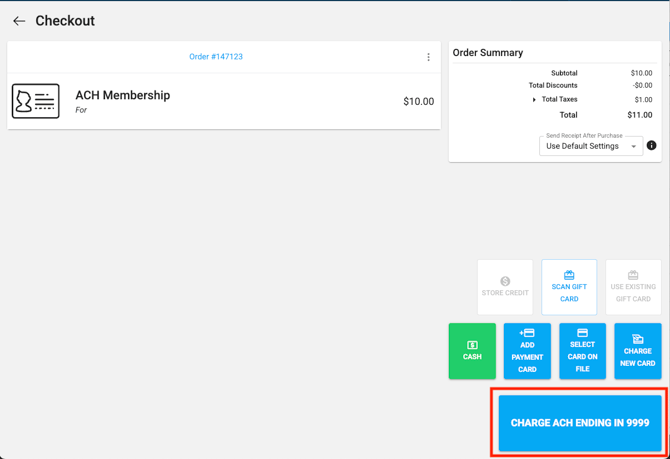
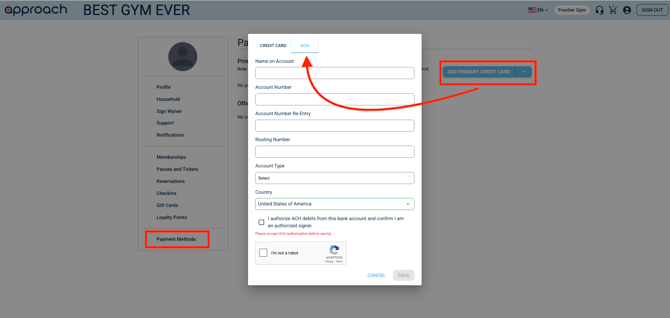
Approach supports ACH Payments for Fullsteam (Approach Pay) users only at this time. ACH allows customers to be charged directly from their bank accounts. ACH payments can be used for Recurring Membership billing as well as purchasing products, tickets, passes, gift cards, and invoice fees via the Main App!
Please Note: There are no partial refunds allowed on ACH, only full refunds are permitted currently. That said, we do think this payment method is an incredible way to help increase membership longevity and cut fees!
A full refund is permitted 5 business days after the transaction.
Suggestions to incentivize your members to come in to the gym to switch to ACH:
-
Loyalty Points: Utilizing this feature for members who switch to ACH could be a great incentive for customers. To learn more about Loyalty Points click here.
-
Free Punch Passes: Gyms sometimes will sell a free 5 punch pass (or whatever quantity they deem incentivizing) for members who come switch to ACH. To learn how to set up a punch pass, click here.
-
Offer a special membership rate for ACH members: Some gyms will offer a special rate for memberships via a recurring discount on the current membership type offering or separate membership type for ACH members vs. Credit Card members.To learn how to set up a membership type, click here.
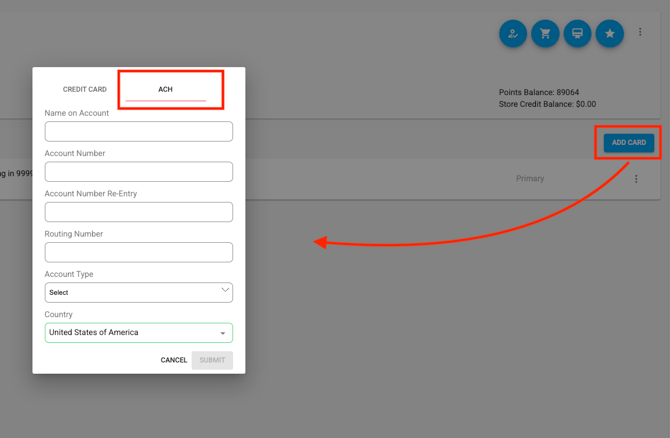
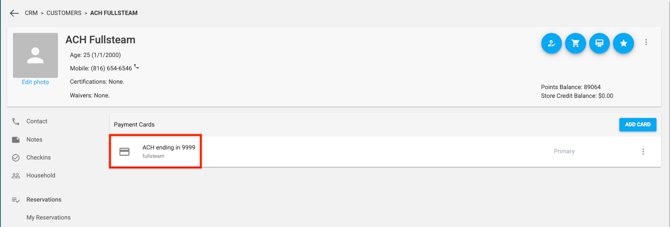
After you add a payment card, the card's title will be saved as "ACH ending in ...."
%20(10%20x%206%20in)%20(9%20x%206%20in)%20(1).gif?width=670&height=447&name=Untitled%20(11%20x%206%20in)%20(10%20x%206%20in)%20(9%20x%206%20in)%20(1).gif)
ACH Transactions Page
You are able to view all of the transactions that were processed through ACH in the "ACH Transactions" section. It can be found underneath the "Finances" section (you'll need Owner level staff permissions to access the Finance section).
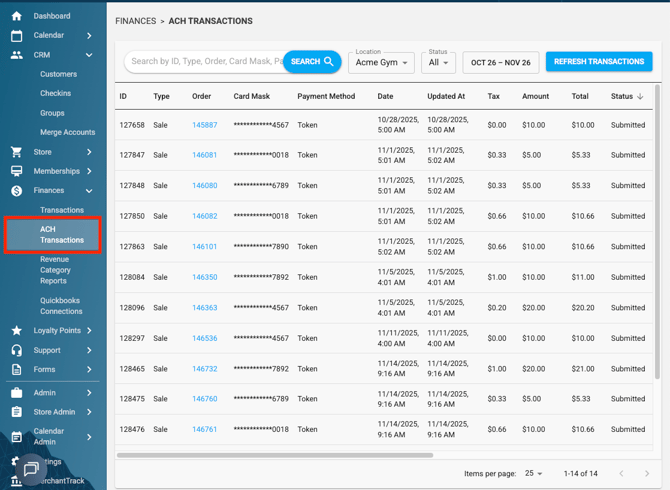
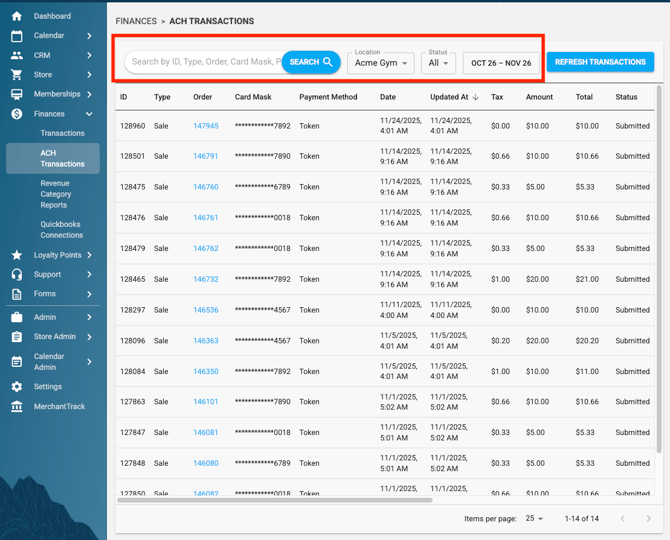
In addition to the search bar, it also has its own filters that allow for easier searching. The filters are: Location, Status, and Date Range (find all transactions within your selected time frame.)
For example: Setting the Status filter to "Chargeback" will display all of the ACH transactions that have been charged back.
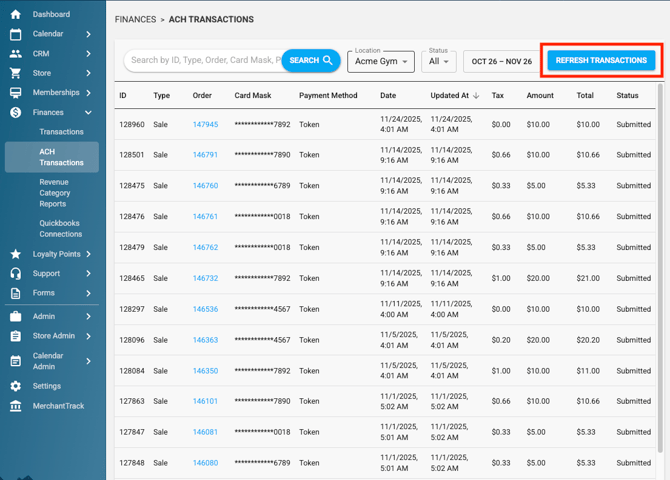
Note: When an ACH transaction is processed, its initial status appears as "Submitted". This indicates that the transaction has been sent, and we assume it will complete successfully.
However, if the transaction fails or is charged back by the payments processor, the status won’t update automatically. To ensure you see the most current information, use the ACH "Refresh Transactions" button to update the transaction status before you search. We recommend refreshing the page periodically to catch any changes or updates to your transaction history.
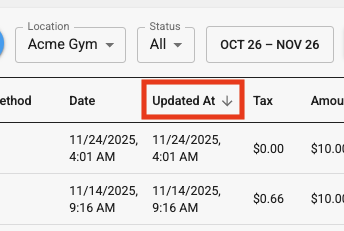
Reminder: Make sure to toggle the "Updated At" arrow to point down in order to view the transactions from latest to oldest!
Do you still have more questions? We want to make our Knowledge Base as accurate and as in-depth as possible. If you think this article is missing anything, please let us know here. We will update the article and let you know we have done so!