
Gym owners/managers now have the ability to send customers direct links to document templates. By providing customers with easily accessible and personalized portal links, Approach provides another way to assist in the document signing process, giving customers the ability to swiftly review and sign documents within their secured accounts.
Locating the Template ID:
-
Navigate to the "Document Templates" section within the admin panel.
-
Select the desired template you wish to work with.
-
Click the "Edit" option for the selected template.
-
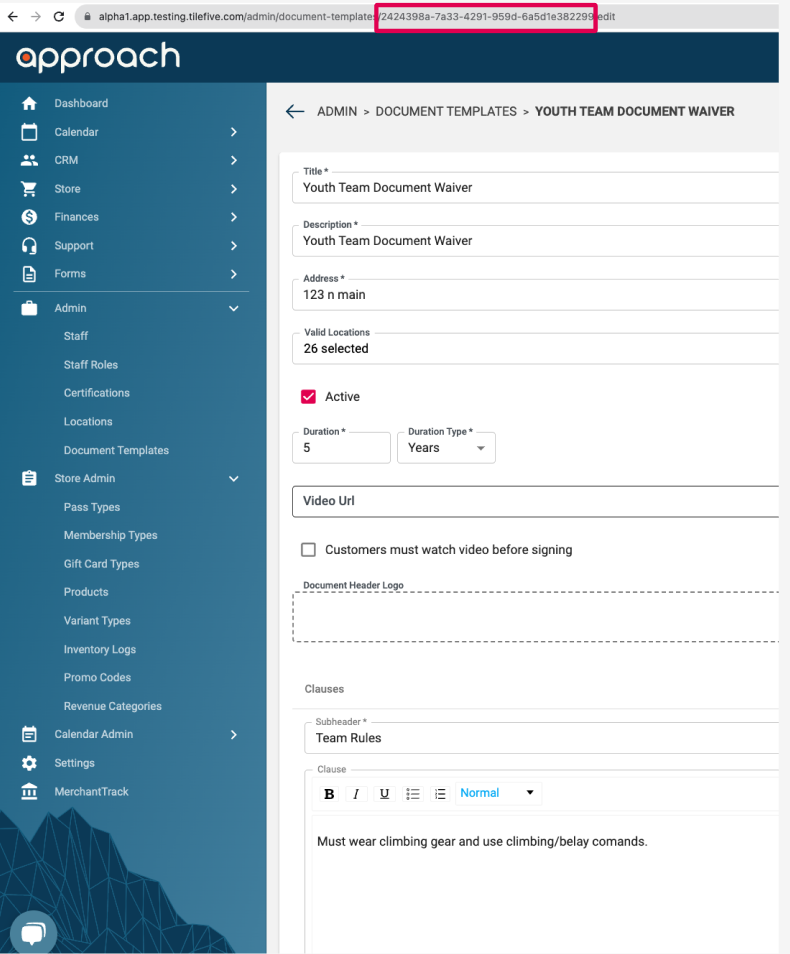
In the URL of the browser, observe a sequence of alphanumeric characters after "document-templates/". This alphanumeric sequence is the Document Template ID.
Example:
Creating a Portal Link:
-
Determine the base portal URL for your application (referred to as {portalUrl}).
-
Construct the portal link using the following format:
{portalUrl}/sign-document?templateId={templateId} -
Replace {portalUrl} with your application's actual portal URL.
-
Replace {templateId} with the Document Template ID you located in the previous section.
https://namespace.portal.approach.app/sign-document?templateId=bd15dcb8-141b-4df3-9422-5b09a3bk30021
Using the Portal Link:
- Once you have constructed the portal link, you can send it to your customer.
- Instruct the customer to click on the provided portal link.
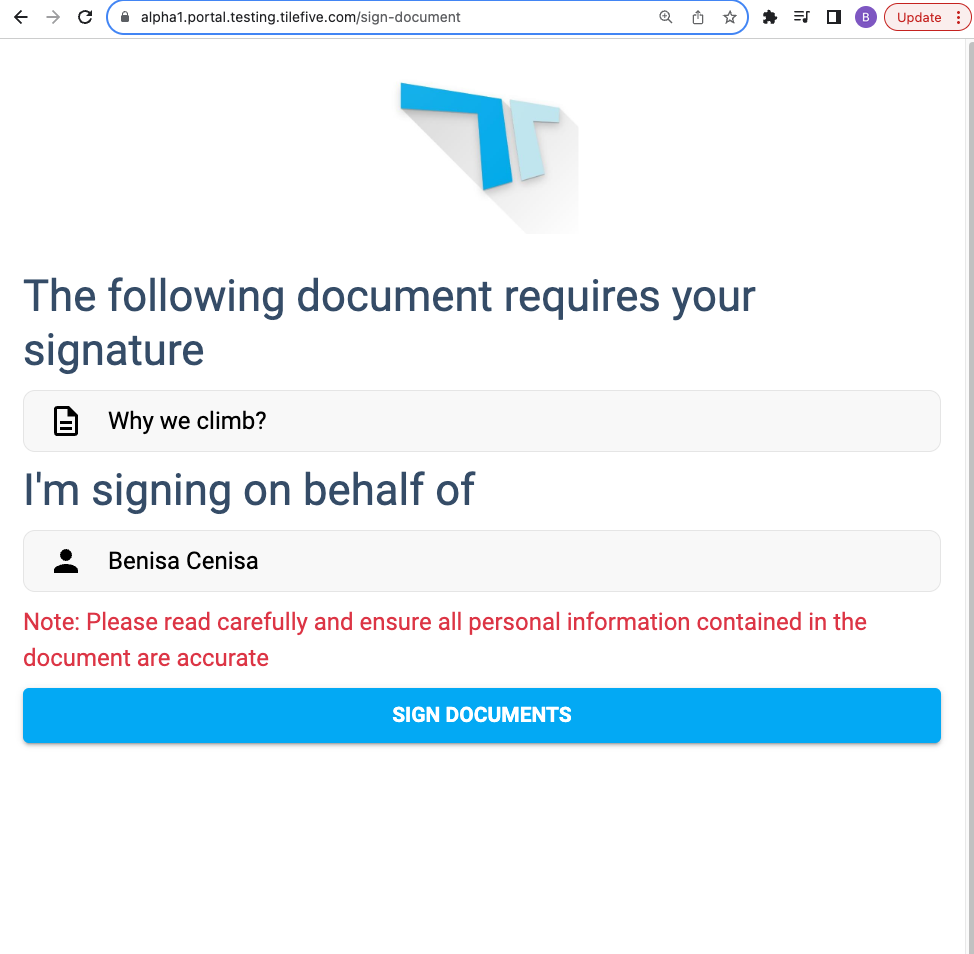
- When the customer is signed into the portal, they will be automatically directed to the document signing page for the selected template.
-
If the user is logged in they will be able to sign the document
-
If the user is not logged in they will need to 1) log in and then 2) will be able to sign the document
-
If the user is not logged in and doesn't have an account they will need to 1) create an account and then 2) will be able to sign the document
-
-
The document signing flow is the same as the kiosk. After successfully filling out the document, the customer will be brought to the gym's portal homepage.
Approach simplifies document management for gym owners by providing personalized links to document templates, providing another way for businesses to manage the customer document signing process.