
When customers are members of a household, they will be paid for by the Head of Household.
The Head of Household is always listed first and the background of the header of their customer profile will have a gray background. When they are a member of someone else’s household the background of the header of their customer profile will be blue.
Adults, along with minors, can be added to a customer’s household.
The head of household can also sign waivers for all minors within the household.
First click on CRM, then Customers then click either Add New or Add Existing.
-png.png?width=2422&height=1450&name=Wide%2c%20Template%20(90)-png.png)
If clicking Add New, you will need to manually create an entire new customer profile.
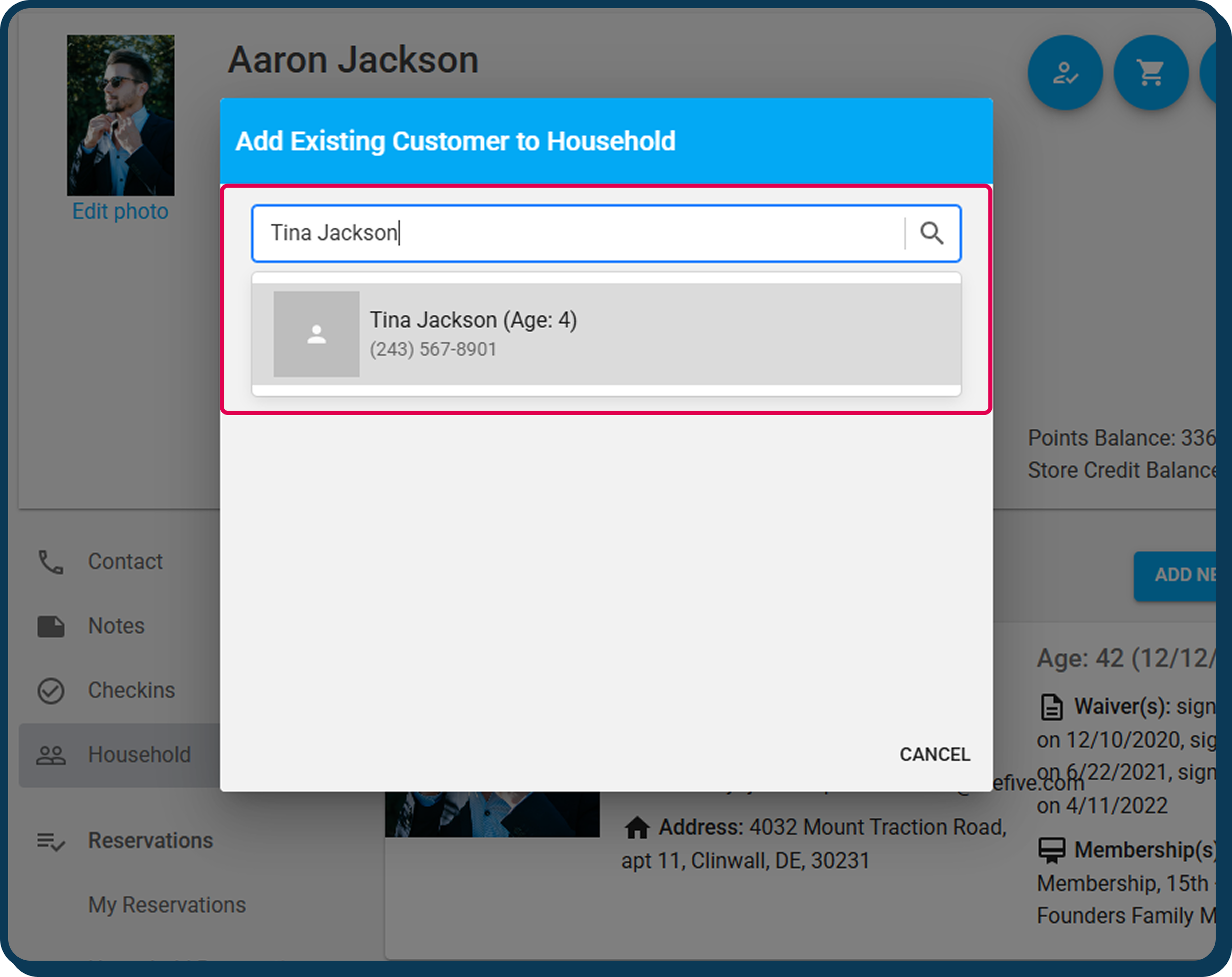
If clicking Add Existing, first type the customer’s name that you are adding to Andrew’s household and when it appears, click on it to add it to Andrew’s household.
To remove a customer from a household, click the hamburger on that customer’s profile, then click Remove from Household.
-png.png?width=2422&height=1645&name=Wide%2c%20Template%20(91)-png.png)
If a minor is accidentally made the head of household, you can fix this by:
- Take note of each associated customer profile
- Remove all household members from each profile
- Go to the intended Primary's profile
- Add all associated customer profiles to that household
This concludes the guide to How to Manage a Household
Still have questions on how to manage a househould? Email us at CXM@approach.app or fill out the questions form in the main app support chat bot.