
Table of Contents
The Main App
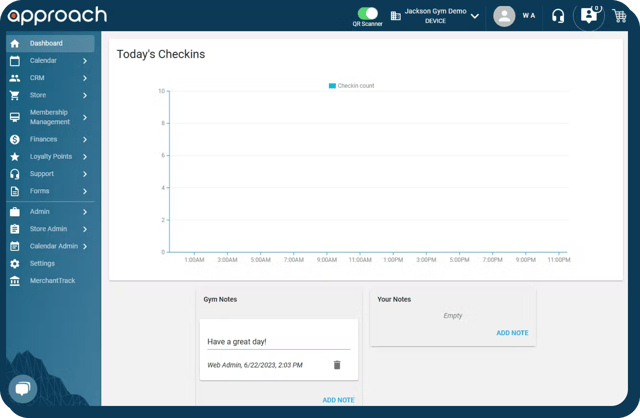
The Main App is your gyms' bread & butter. This is the only staff-facing portion of Approach and is where you'll do everything from managing inventory to checking guests in. The calendar, your store, and everything else you and your staff will need to run the most amazing climbing gyms in the world is contained here.
The Main App can be found at URL https://yournamespace.approach.app
Note: "yournamespace" is only a placeholder, and would be replaced with your gym's namespace. If you're unsure of what your gym's namespace is, refer here to submit these or any other questions.
FAQ: Does Approach have any offline capability? No. Approach is totally web based so an internet connection is necessary. This also means all of your data, and that of your clients, is stored remotely so you do not have to worry about protecting it. We handle that for you.
The Portal
The Portal is one of two customer facing portions of Approach, and the portion your customers are likely to use the most. The Portal can be embedded into your website, and is where your customers can remotely sign waivers, purchase memberships, sign up for scheduled events, and much more. It's your highly customizable web-based app. Several articles have been published about the Portal here.
Note: The Portal can be saved as a Progressive Web Application, or PWA. This means that it functions much like any other app, but instead of running on its own platform, it runs in your browser. This app can used like any other app and can be added to any mobile users home screen. Instructions for that can be found here.
The Portal can be found at URL https://yournamespace.portal.approach.app
-png.png?width=640&height=443&name=image%20(6)-png.png)
The Kiosk
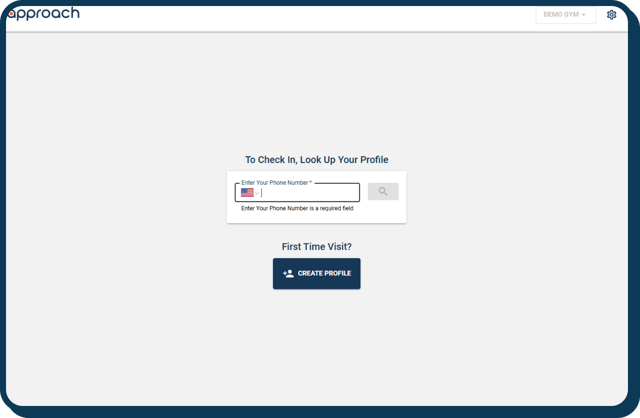
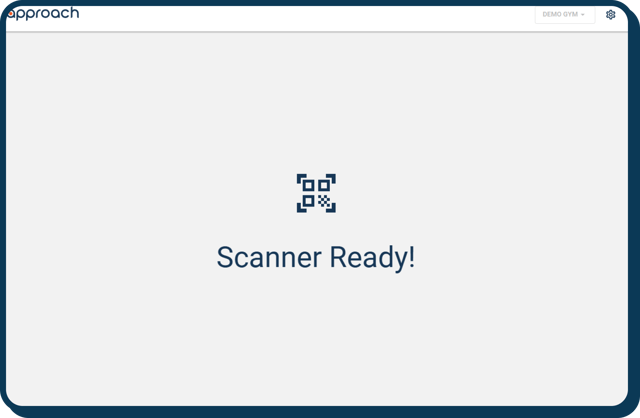
The Kiosk is another customer facing portion of Approach, and is designed to create a faster workflow for your staff by allowing customers a place to sign waivers, and the ability to check themselves in. The Kiosk also has a Barcode Mode which can be activated to allow guests to scan their Barcodes or QR Codes when attached to the appropriate reader. You can find a more exhaustive article regarding the kiosk here.
The kiosk can be found at URL https://yournamespace.kiosk.approach.app
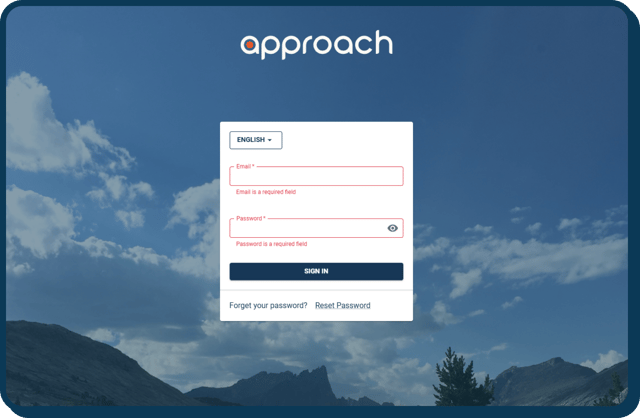
Below is the login screen (yournamespace.kiosk.approach.app/login) where you will be automatically routed to until signing in)
Below is the Manual Mode:
Below is the Barcode Mode:
Still have questions on the difference between the main app, the portal and the kiosk? Drop us a line at cxm@approach.app or shoot us a question in the main app chat bubble!